Heat Map Chart through Radio Button in Excel-
If we wish to highlight Top and bottom values in excel along with colour, rather than finding it manually, simply we will use conditional formatting.
Today we will discuss a different way


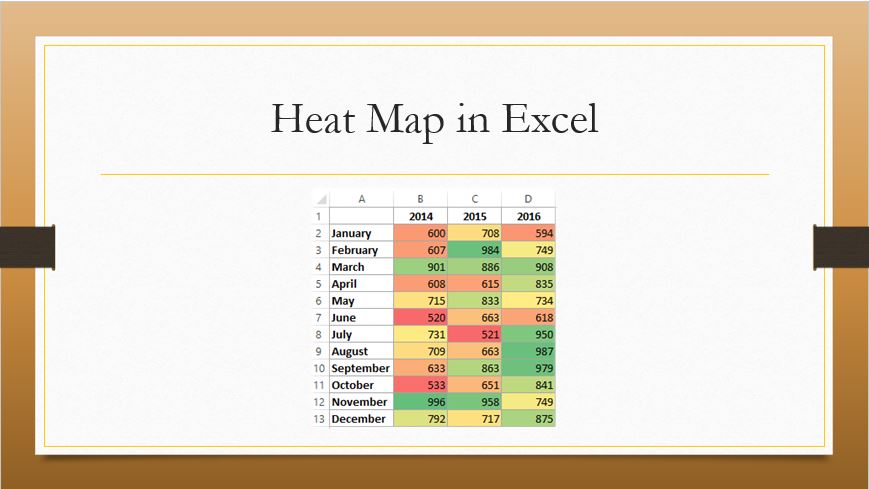
Heat Map Chart through Radio Button in Excel-
If we wish to highlight Top and bottom values in excel along with colour, rather than finding it manually, simply we will use conditional formatting.
Today we will discuss a different way
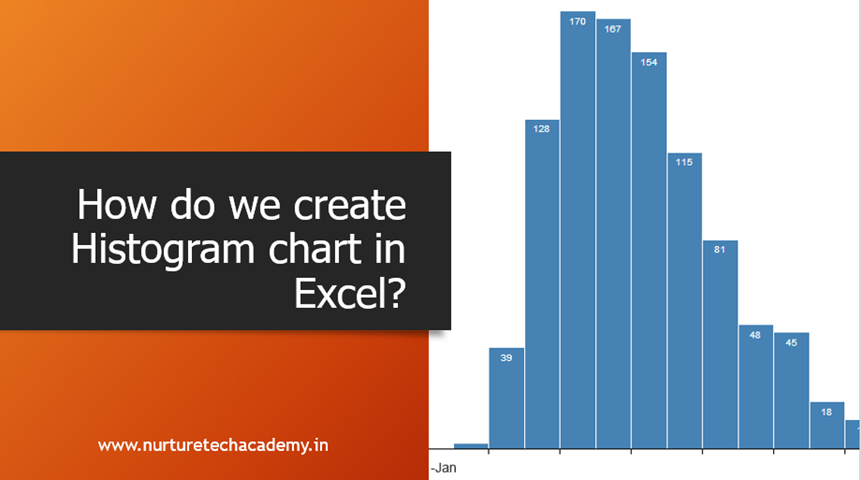
According to Investopedia, “a Histogram is a graphical representation, similar to a bar chart in structure, that organizes a group of data points into user-specified ranges. The histogram condenses a data series into an easily interpreted visual by taking many data points and
The requirement of counting is almost always present in our day to day job and Excel made it really easy for us by giving a number of counting functions like Count, CountA, CountBlank, CountIf and CountIfs. Let’s understand them in
Power Query is an amazing tool to import data from almost any popular or semi-popular data source in Excel. One can import any database, which can be in any format like .txt, CSV, JSON, Access etc. or from any database
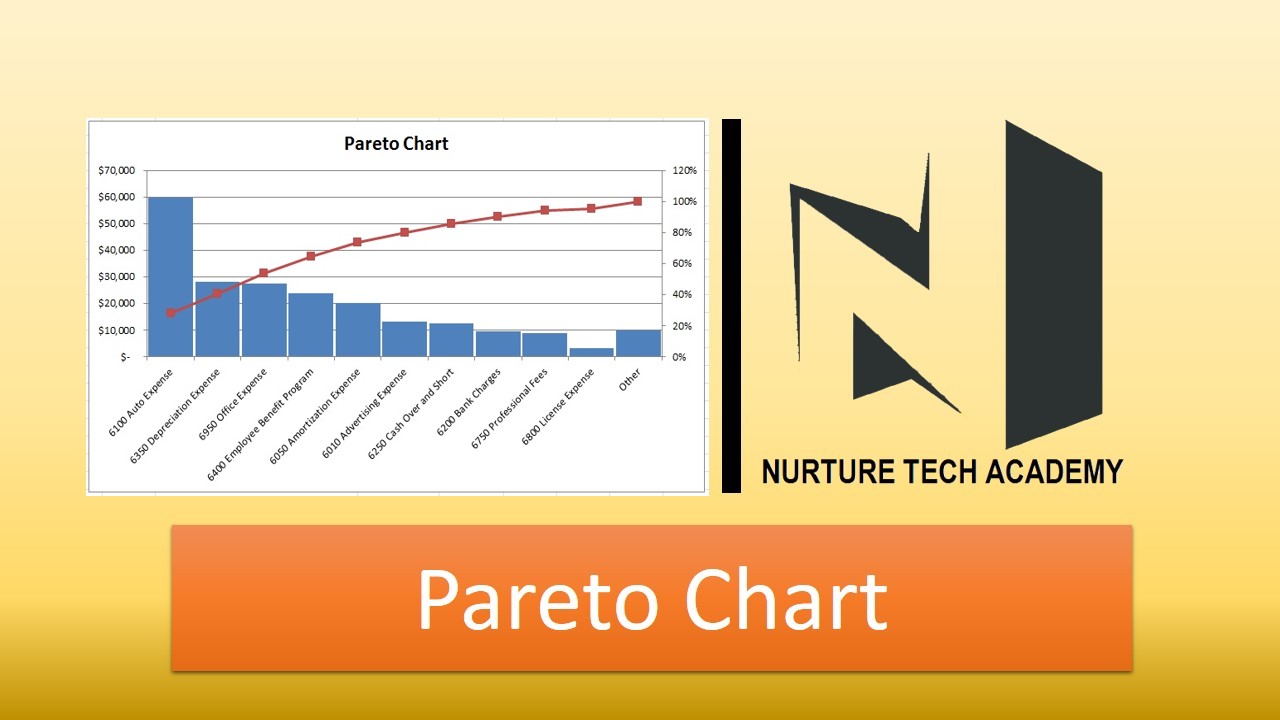
Pareto charts are extremely useful for analyzing what problem needs attention first, the taller bars on the chart, which represent frequency and the line shows the cumulative frequency percentage.
The Pareto principle (also known as the 80/20 rule), states that,
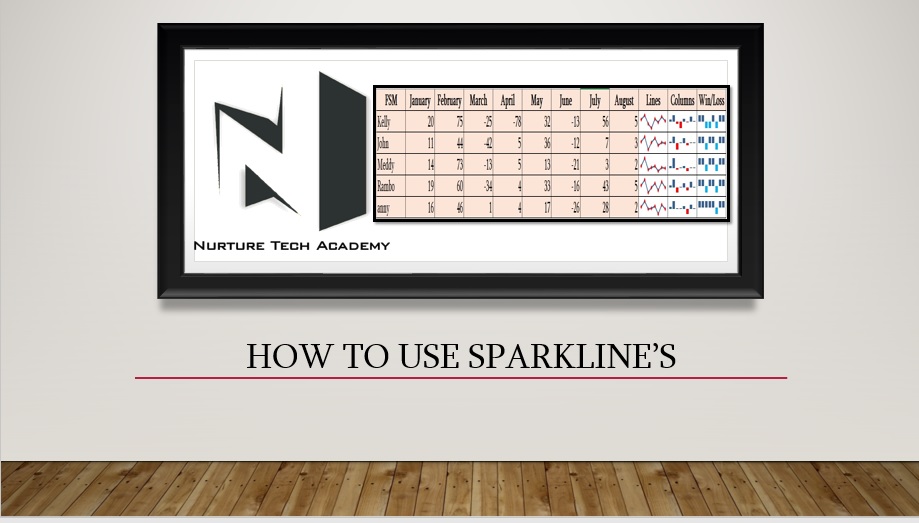
How to use Sparkline in Excel?
Charts are the Graphical visualization in excel which help us to understand the weekly, monthly performance and consolidated report of entire data, However if we have a data in to tabular form and we

Hi All,
Do you know apart from only copy and pasting the whole content with formatting in Excel, we can paste a certain attribute such as Value only, Column Width, Formula only, formatting or comment in Excel.
Paste specials give
Custom Number Formatting-
Sometimes when you download or import any data into Excel, its formatting looks weird. Dates get converted to numbers or Numbers are showing in scientific characters (2.34568E+12), Decimal points, Currency symbols, convert number into percentage, friction, Text

Use of SUMIF function in Excel-
SUMIF helps to sum up values only once it matches certain criteria. It can be used to add numbers based on criteria’s like Text, Number and Dates, also can use with logical operators (=,<>,>,<

Hi,
As an Excel user, sometimes we store or transfer an Excel file, which contains some confidential data. It becomes a basic need to protect it either in a way that the user either can only see the data (read-only)